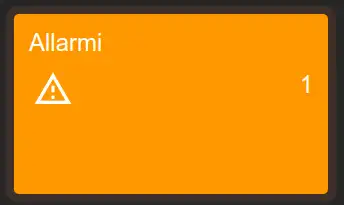
Alarm box
Displays the number of active alarms for the configured group. Its background color changes according to severity, making conditions that require attention easy to recognize.
Configuration
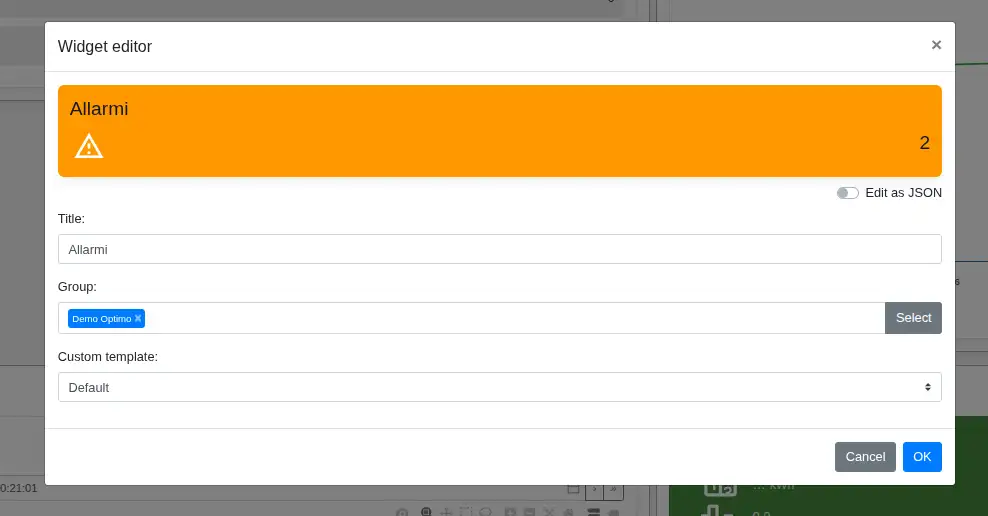
- Title defines the text displayed at the top of the widget.
- Group selects the plant, process, or subprocess whose active alarms are counted. Alarms belonging to groups below the selected point in the hierarchy are also included.
- Custom template changes the widget representation. Keep Default to use the standard Alarm box; select another template only for installations that support that specific visualization.
Clicking the widget opens the alarm page for the selected group, when available in the dashboard.